
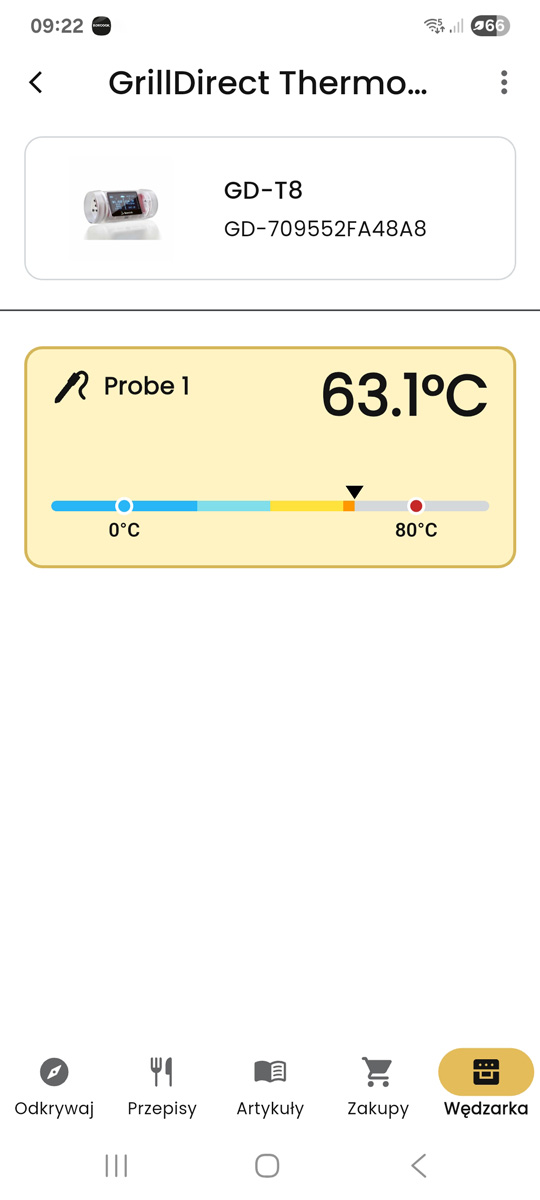
Temperature view
The current probe temperature and target are always at hand.
GrillDirect installs new firmware on compatible Borniak thermometers. Connect your thermometer to the Internet and use it in the Borcook app.
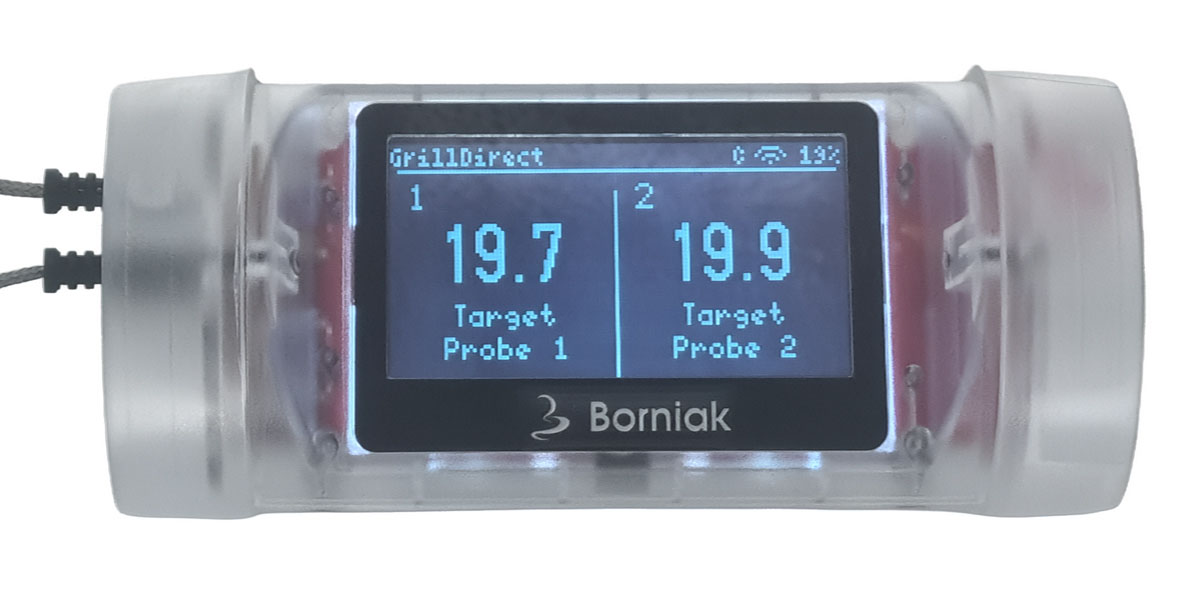
After updating and connecting to Wi-Fi, monitor temperature directly in the Borcook app.
The current probe temperature and target are always at hand.
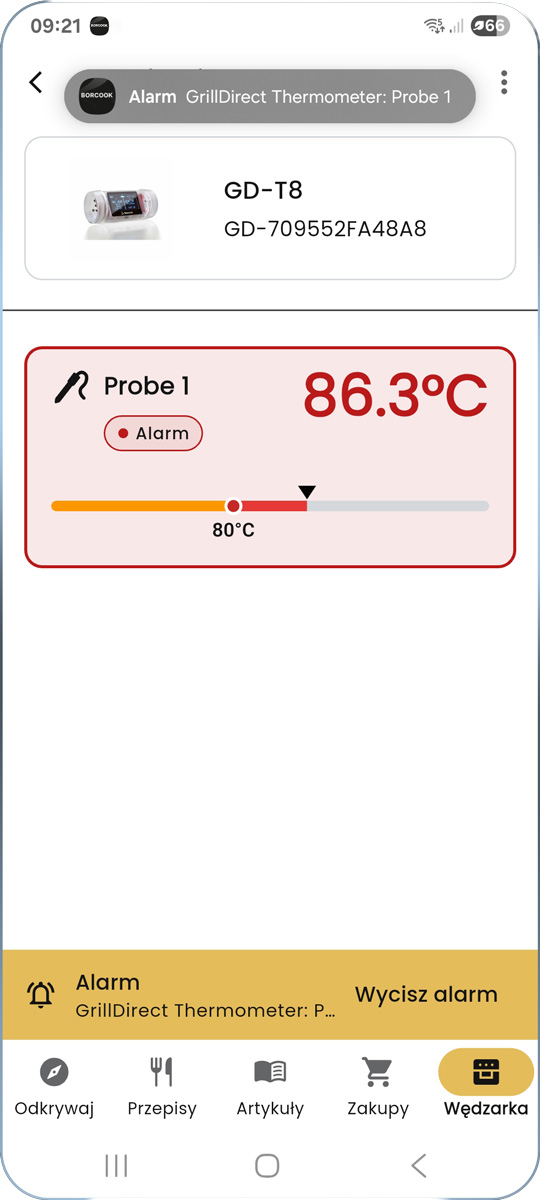
You receive an alert when the configured threshold is reached.
Scan the QR code or click the store badge to download the app to your phone.



The firmware supports different probe configurations with ease.
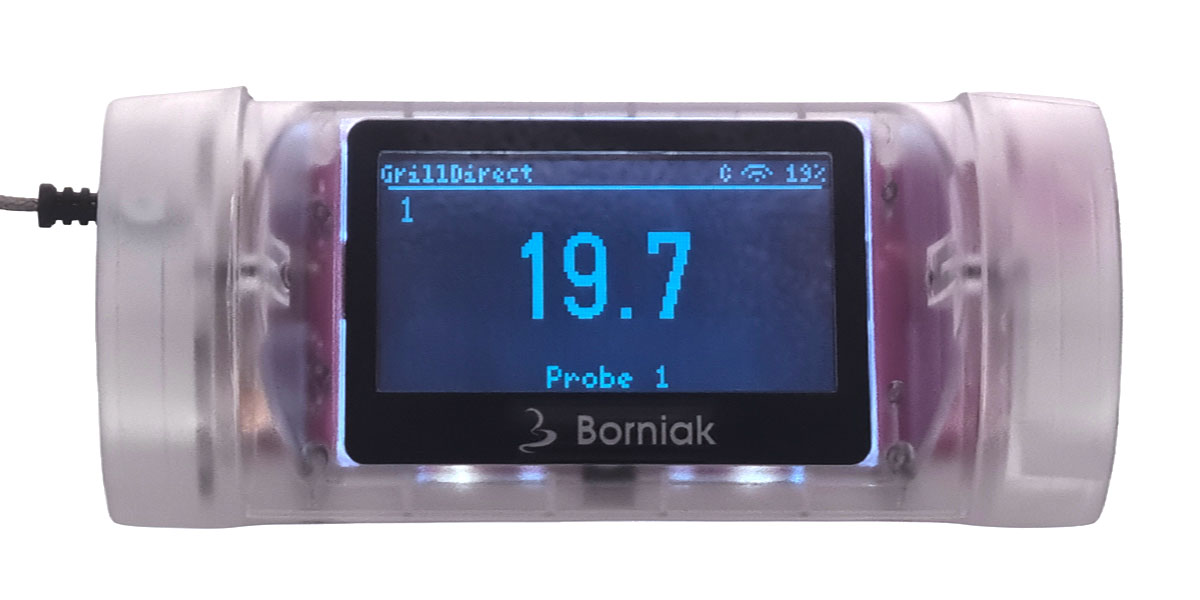
A large temperature view for one probe.
Read two probe temperatures at the same time.
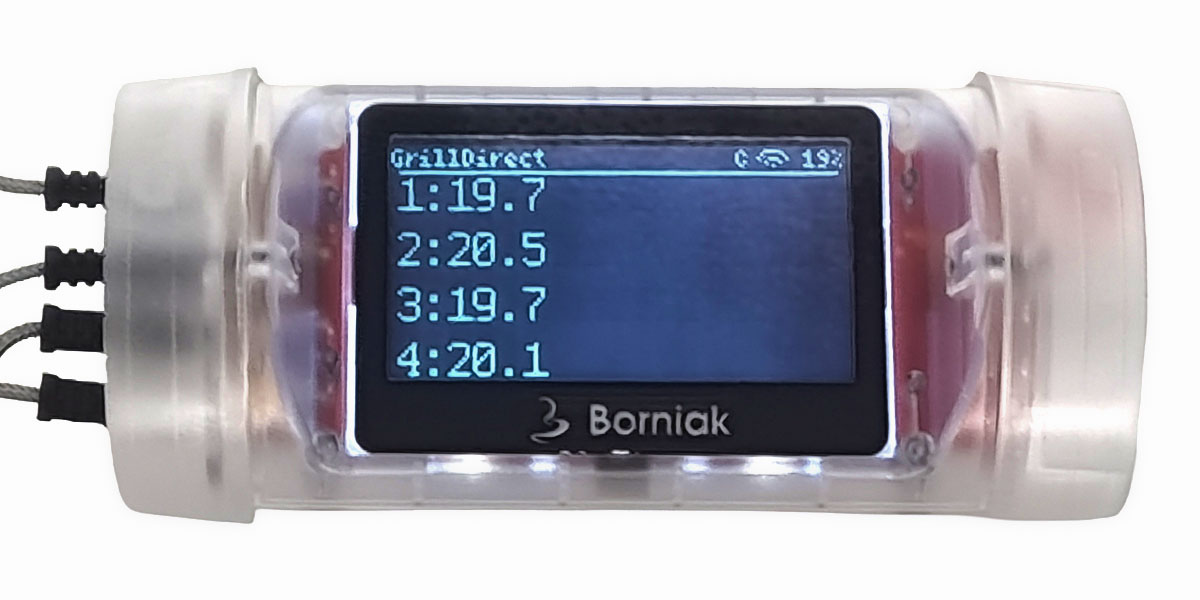
A combined view of all connected probes.
GrillDirect guides you through the complete firmware installation process.
The most important functions available from the thermometer button.
| Gesture | Action |
|---|---|
| 1 short press | Silences an alert, ends pairing or moves to the next probe. |
| 2 short presses | Enables or disables the temporary split probe view. |
| 3 short presses | Starts a 15-minute pairing session, Wi-Fi access point and new code. |
| 5 short presses | Shows or hides the connection information screen. |
| Hold for 3–9 seconds | Releasing the button turns the device off. |
| Hold for at least 10 seconds | Opens the factory-reset confirmation screen. |
Start pairing with three short presses. The thermometer generates a QR code and a new 6-digit code.
Choose the version for your computer and start updating your thermometer.
Before installing, review the license and data processing rules.